Last updated: 22 April 2026 | Change log
To uninstall our Payments via Access Worldpay app:
- Go to "Payments" in your Shopify store admin and locate "Worldpay Payments" under "Supported payment methods".
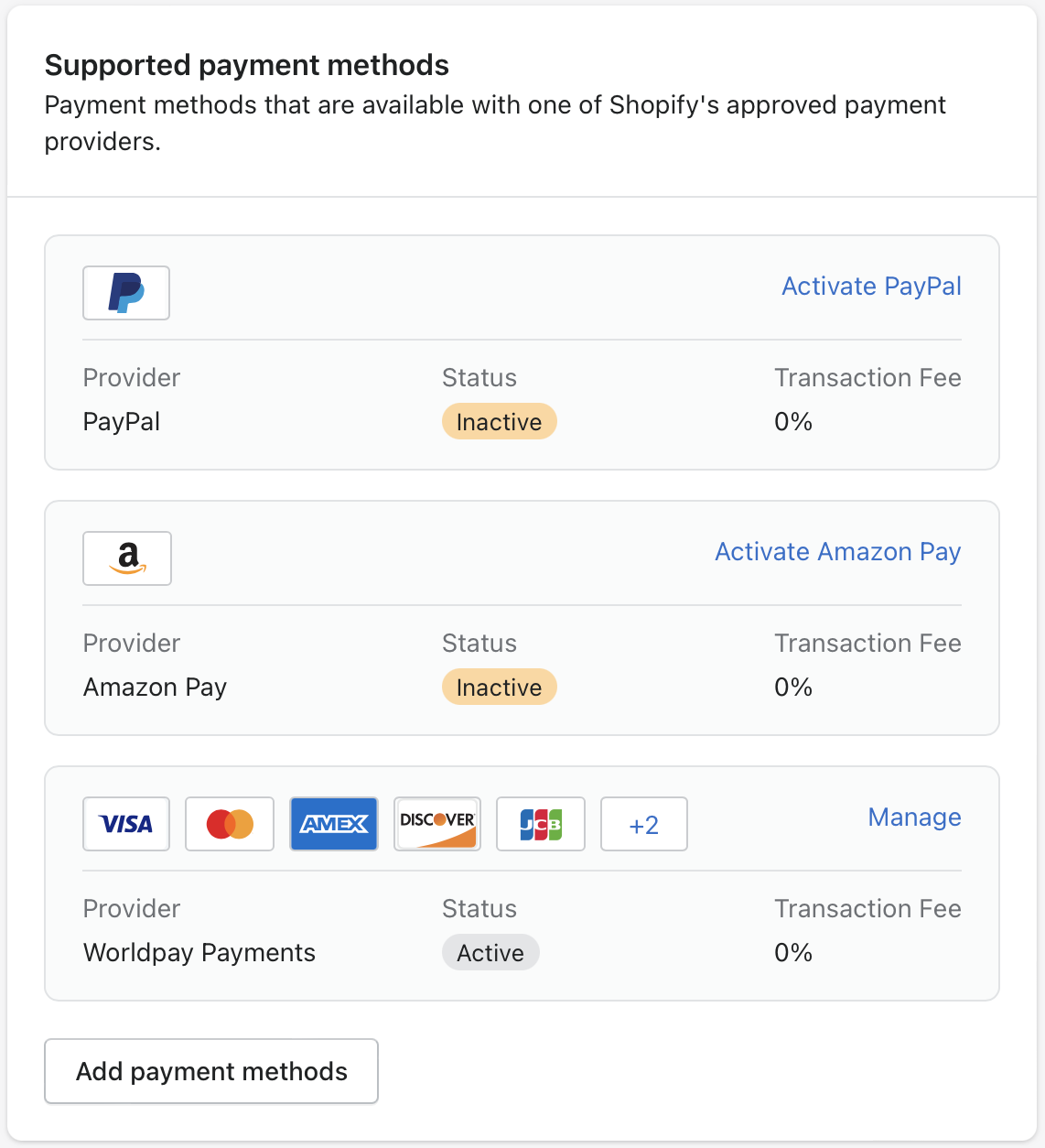
Select "Manage".
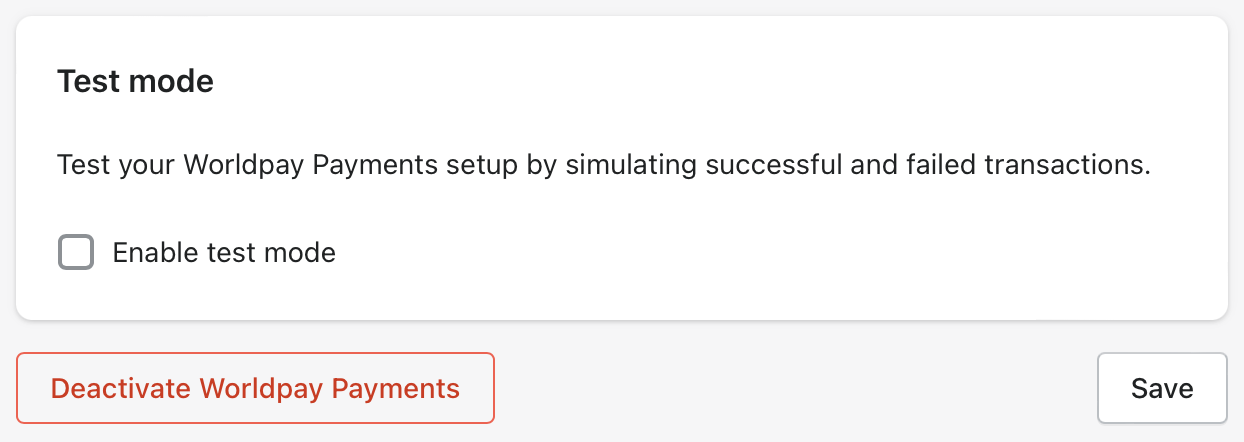
Click "Deactivate Worldpay Payments" on the Manage page.
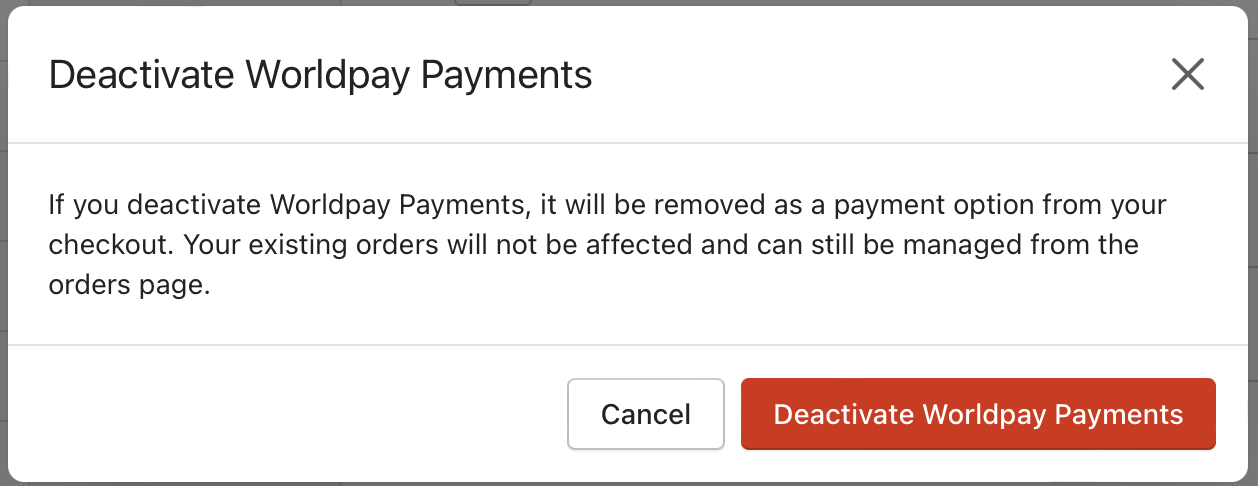
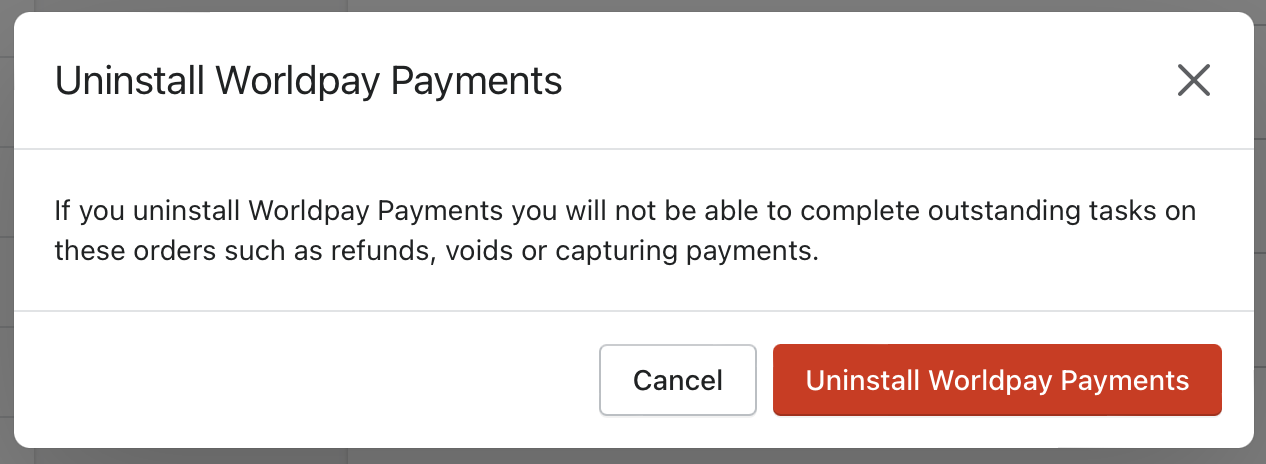
- Review the alert message before confirming the deactivation. Choose one option:
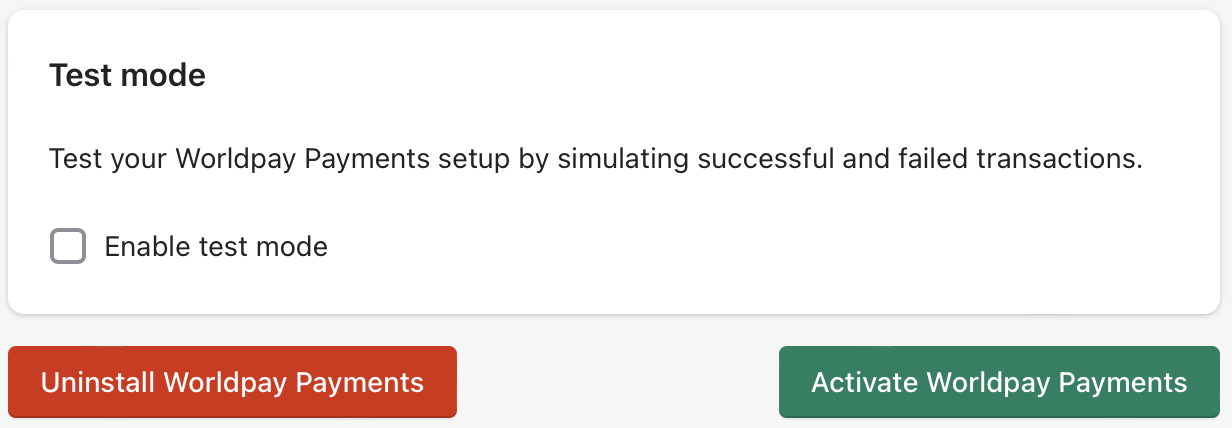
- "Uninstall Worldpay Payments" - review the prompt before confirming the uninstall.
- "Activate Worldpay Payments" - follow the instructions on our Installation page.