Last updated: 09 October 2026 | Change log
Integrate QR code and phone-notification payment journeys for supported APMs in our Components SDK.
After collecting payment details in the hosted component, send the session to the APMs API. Then use continue to render the next customer step in the iframe (QR code display or Swish waiting screen).
Some Alternative Payment Methods (APMs) require an additional customer step after the payment is submitted.
- Pix
- WeChat Pay
- Swish
- Swish
Submit the session to the APMs API and receive QR data: For QR-enabled methods, the APMs API response includes a populated
redirectparameter containing QR-code data.Render the QR step in the SDK: Pass the
redirectpayload to the SDK usingcontinuemethod. Example:components.continue('swish', { qrCode: 'iVBORw0KGgoAAAANSUhEUgAABbQAAAW0AQ...' })The hosted iframe displays the QR code.
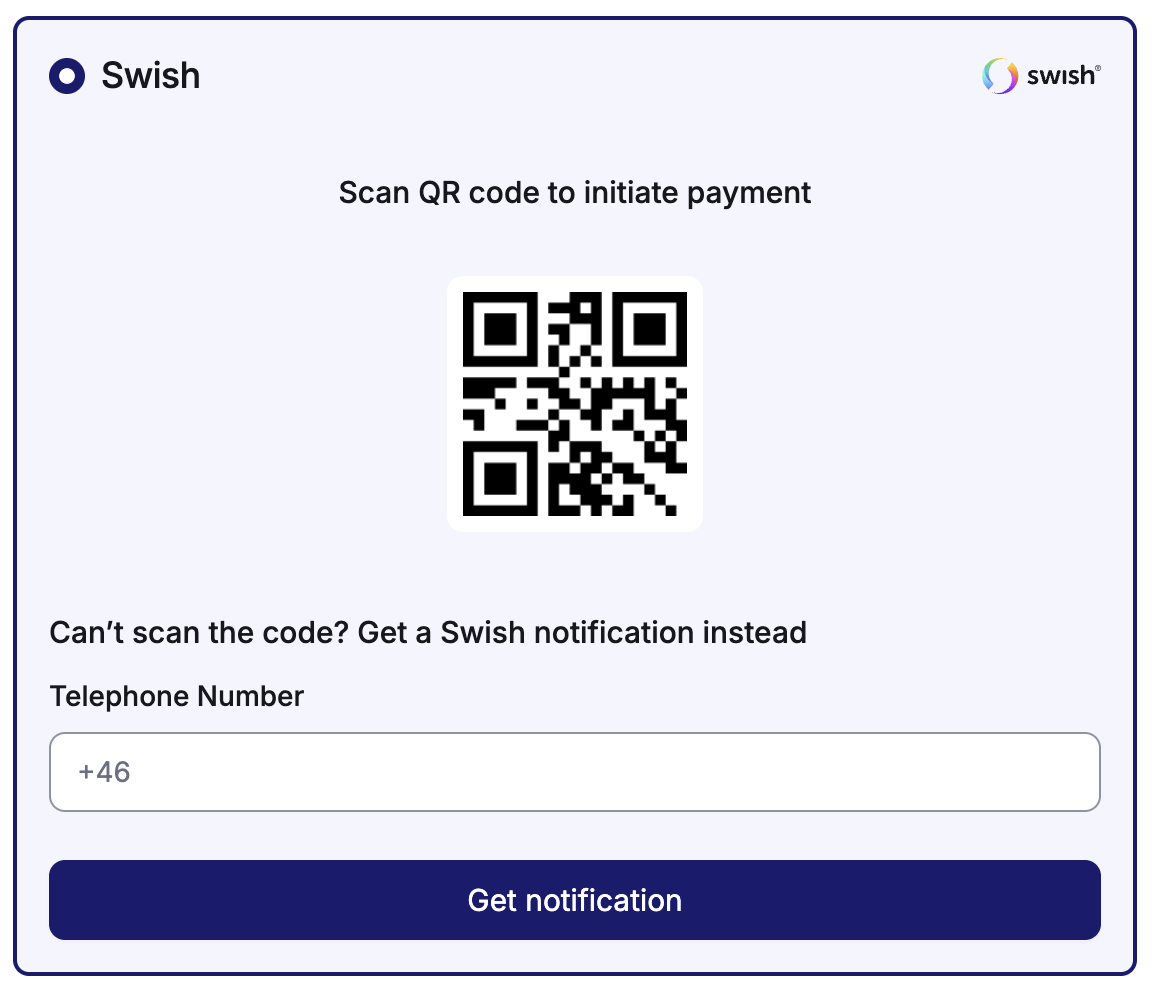
- Customer completes payment externally: Your customer scans the QR code using their mobile device and completes the payment in the provider app.
Submit the session to the APMs API and check
redirect: Ifredirectis empty, your customer chose the Swish phone notification flow.Start the waiting step in the SDK: Call
continuewith no payload (components.continue('swish')). The SDK shows a waiting screen with an 8-minute countdown.
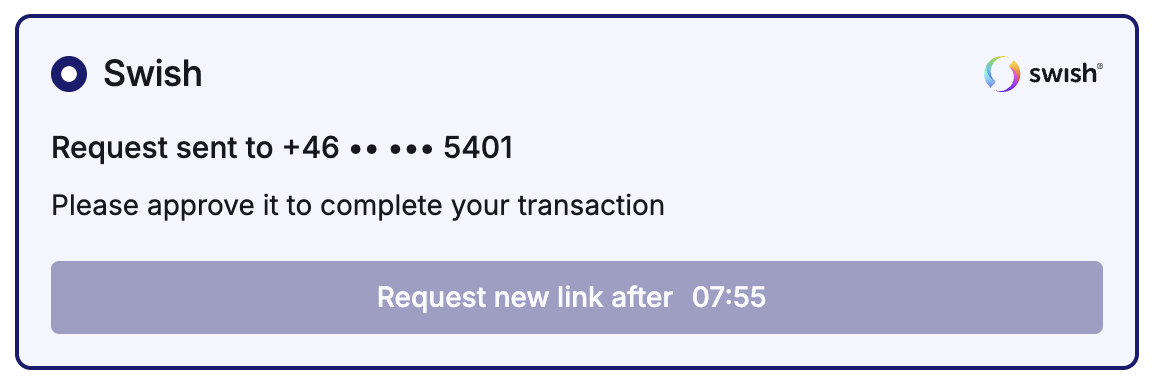
- Customer confirms in Swish app: Your customer receives a phone notification and approves the transaction in the Swish app before the countdown expires.
Monitor payment status: While your customer completes the provider step, poll the status using the relevant API endpoint or consume webhook events.
Redirect on terminal result: After success or failure is confirmed, redirect your customer to your final merchant-hosted page (for example, order confirmation or error page).
- The SDK is responsible for rendering the post-submit step in the iframe (QR display or Swish waiting screen).
- Payment status checks and final redirection must be handled by you.
- Always verify the payment status before showing a final outcome to your customer.